
Duncan Court Docket Searches
Duncan offers no standalone town case-search or payment portal. The practical route online is Arizona Public Access. It covers participating state-law cases. Before any Duncan search begins, a random-word verification gate appears. If it stalls, click Submit rather than pressing Enter. An exact case number beats a name here, since prefixes and punctuation matter.
- Read the citation or case paper and identify Duncan Justice Court, Duncan Magistrate or Town, or Greenlee County Superior Court.
- Pass the Public Access verification and search the exact case number. For a name search, use the filed spelling and narrow to Greenlee.
- Open the detailed case history. Compare the court, case type, filing date, status, and newest future setting.
- If no result appears, call Justice Court Precinct 2. If the paper names Duncan Magistrate or Town, ask Town Hall to confirm the custodian.
- For a felony, general-jurisdiction civil case, or lower-court appeal, search Greenlee County Superior Court and preserve the lower-court number.
Public Access updates each Friday and is generally current through Wednesday. It is not the official record. A Duncan filed notice, signed order, or court-confirmed setting outranks a stale portal display. For a wider county lookup, try the Greenlee County docket search.
Duncan Code Requires a Court Docket
Duncan's town code supplies unusually direct local language. It establishes magistrate-court authority over town-code violations and eligible state-law violations inside town limits. The code also directs the magistrate to keep a docket recording each action and the court proceedings in it. A council-appointed magistrate serves, along with an assistant magistrate. The official Duncan Town Code index shows this local docket history in full.
The code proves the legal framework and Duncan's duty to keep a docket. It does not prove a separately staffed Duncan Municipal Court holds sessions today. Read current court directories alongside it.
Inside the Duncan Municipal Court
Duncan's code authorizes a magistrate court. Current Arizona court directories, though, list Duncan Justice Court rather than a separate Duncan Municipal Court. State reports also list Clifton Municipal Court on its own. No current Duncan municipal caseload table appears.
So keep the conclusion narrow. Justice Court Precinct 2 is the public contact for lower-court cases in Duncan. That holds unless Town Hall confirms a separate magistrate session. Never assume that "Duncan" on a citation means Town Hall keeps the file. Read the printed court name and case number.
JP2 handles precinct misdemeanors, civil and criminal traffic, small claims, evictions, and limited civil cases. Preliminary felony work sits there too. A Duncan town-code matter may sit elsewhere. So a paper naming Duncan Magistrate or Town deserves a check with Town Hall.
Duncan Justice Court Is Current Contact
The Arizona electronic-hearings directory lists Duncan Justice Court and points users to the court itself for details. That Duncan page is a contact directory, not a date calendar or a permanent Zoom link. For case and hearing questions, call JP2 at 928-359-2536 or write duncanjusticecourt@courts.az.gov.
| Clue on the paper | First Duncan contact | What to ask |
|---|---|---|
| Duncan Justice Court or JP2 | 928-359-2536 | Case history, next setting, inspection, copy process, and current counter location. |
| Duncan Magistrate or Town | Town Hall, 928-359-2791 | Whether Town Hall or JP2 is the current custodian and where the case is heard. |
| Greenlee Superior Court | Clerk, 928-865-4242 | Superior Court case history, filed document, or certified-copy process. |
Call before traveling, since no current street address for the JP2 counter is published at the county level. Court staff can confirm procedure and schedule facts. They cannot give legal advice.
Finding Duncan Court Dates
A Duncan court date can surface in several places. Those include a served notice, a filed minute entry, or the Public Access case history. Read the newest entry first. Then scan forward for a later reset, continuance, or vacated setting. A request to continue is only a request until the court grants it. The newest signed order or clerk-entered setting controls.
| Court | Shows whether JP2, a confirmed town magistrate session, or Superior Court controls the Duncan matter. |
|---|---|
| Date and time | States when the event is set, subject to a later order or court confirmation. |
| Case number | Connects the setting with the right Duncan record; preserve exact punctuation and prefixes. |
| Judicial officer | Identifies the assigned judge when the public entry displays one. |
| Setting type | May identify arraignment, pretrial, civil traffic hearing, contested hearing, trial, or review. |
| Appearance mode | States a courtroom or directs the party to obtain approved Zoom or telephone details. |
| Status | May read set, continued, reset, or vacated; later entries still need review. |
With same-day doubt, call JP2 instead of trusting a weekly refresh. Get the date, time, location, appearance mode, check-in rules, and any required documents. A state hearing-directory contact does not supply the setting or remote-access credentials.
Duncan Town Hall Routing Check
When a paper uses Duncan Magistrate or Town wording, Town Hall is the place to ask, but it is not automatically the same counter as Justice Court Precinct 2. Ask who keeps the docket and where the proceeding is set before making a trip. The official Duncan Town Hall contact page lists the local address and access details.
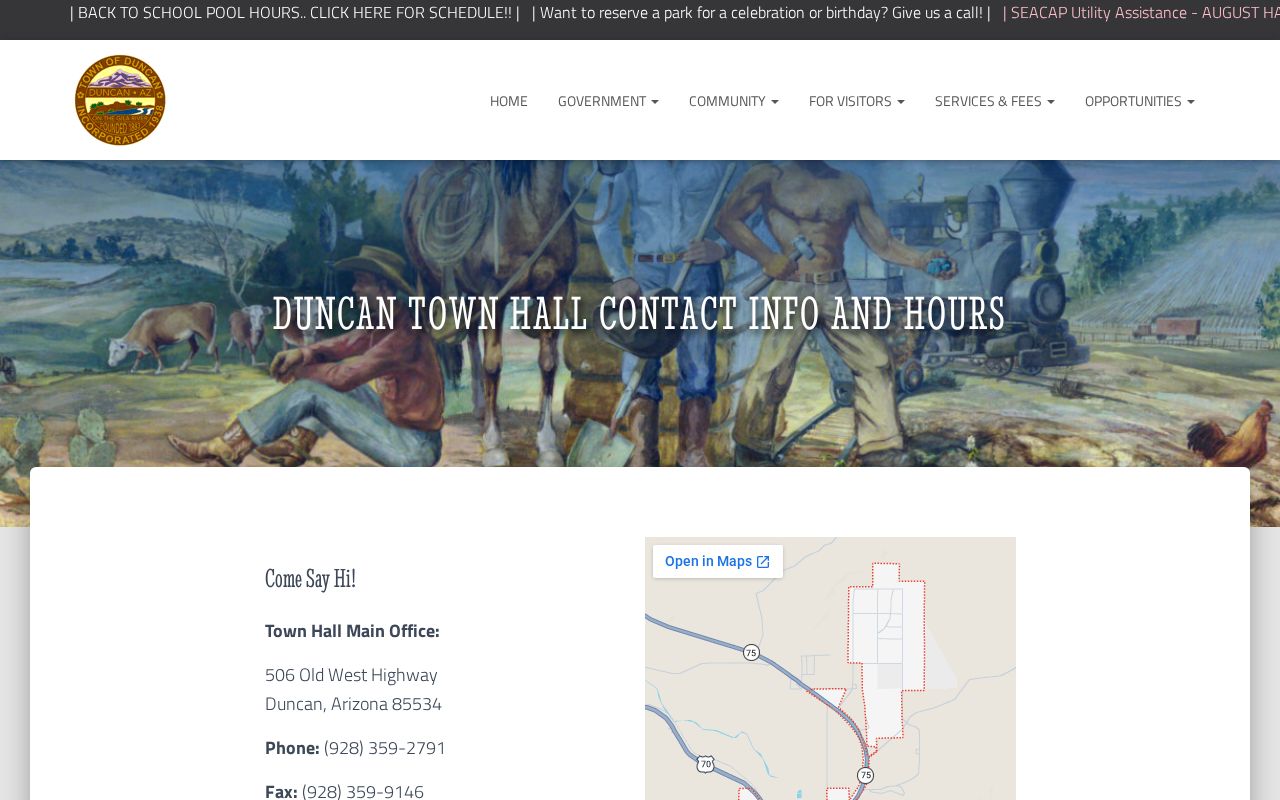
The Duncan contact listing helps route a town-labeled citation. JP2 remains the current state-directory court contact for lower-court operations.
Duncan Town Hall
506 SE Old West Highway
Duncan, AZ 85534
928-359-2791
Fax: 928-359-9146
TTY: 800-367-8939
Monday through Thursday, 8:00 a.m. to 5:30 p.m.
Duncan Justice Court Precinct 2
928-359-2536
duncanjusticecourt@courts.az.gov
Confirm the current counter location before visiting.
Duncan's management and clerk directory provides another official town contact route.
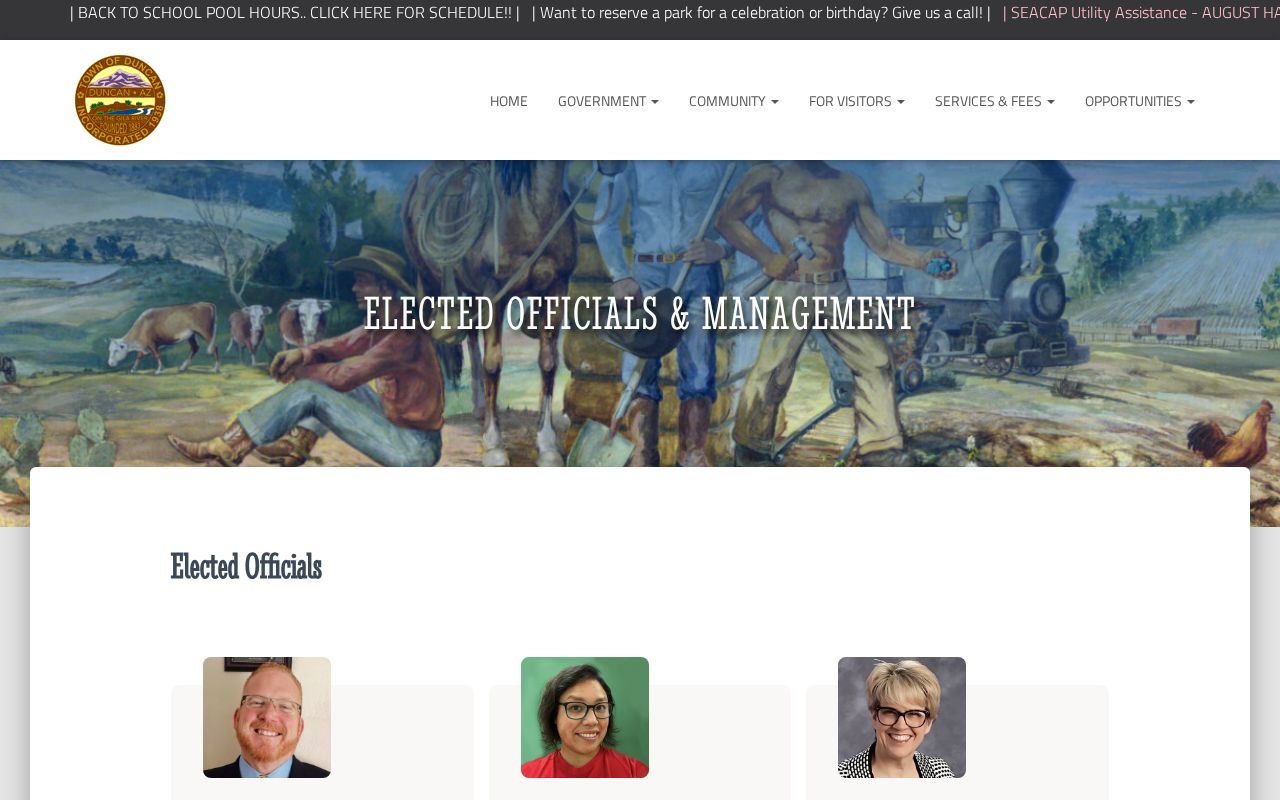
That Duncan directory can help identify the town office. It does not replace JP2 confirmation for a Justice Court case.
Duncan Traffic Ticket Lookups
Use the court name printed on a Duncan citation, not the town name alone. A state-law traffic ticket in the JP2 precinct generally points to Duncan Justice Court. A citation may expressly name Duncan Magistrate or Town. Then call Town Hall to confirm the current holder of the case and the right response route.
Search Public Access with the exact citation or case number when you have one. Local-ordinance charges are excluded from the statewide search. So an empty result may still call for a direct Duncan town or JP2 call. Ask for the case number, response deadline, and next setting. Ask also about the separate steps for contesting or resolving the citation.
Duncan has no official standalone citation-payment portal. A payment vendor is not a docket search. You should never send money just to test whether a citation exists. The countywide Greenlee County traffic court page covers broader citation routing.
Duncan Citations Name the Court
The citation itself tells you where a Duncan case lives. A Duncan address alone, or a run-in with police there, settles nothing about the docket. Read the printed court line on the ticket. It points to JP2, to a town contact you should verify, or to some other court the paper names. That line sets your search path.
- JP2 or Duncan Justice Court
- Call 928-359-2536 for the case history, setting, inspection route, and current court-specific quote.
- Duncan Magistrate or Town
- Call Town Hall to verify whether it or JP2 currently maintains the record.
- Case number
- Use the exact number and punctuation shown; no private Duncan sample number was collected or invented.
- Local ordinance
- A town-law charge excluded from ordinary statewide Public Access results.
Hang onto the paper even after you find the case in Public Access. A Duncan citation can still carry key details. It names the original court, the case number, a response deadline, and instructions on whom to call. Those details help you tell a lower-court file apart from a later appeal. The online match rarely replaces the ticket itself.
How Duncan Cases Reach the County
Misdemeanors, traffic, small claims, evictions, limited civil disputes, and preliminary felony proceedings from the Duncan area stay within JP2's jurisdiction. Felony prosecution works differently. General-jurisdiction civil cases and felony charges belong in Superior Court of Arizona in Greenlee County, no matter where the event started, including Duncan.
Docket flow: Duncan lower court → Greenlee County Superior Court → Arizona Court of Appeals, Division Two when review is authorized.
A felony case often begins with preliminary work in the lower court. It then moves up to Superior Court. An appeal from a lower court also opens a Superior Court record. When that happens, keep the Duncan lower-court case number close. Watch the docket closely. Look for a "notice of appeal," a "record transmitted" entry, a transfer entry, or a linked case number. The Greenlee County Clerk of the Superior Court keeps the new history. It carries the case forward from that point.
Duncan Appeals Create Superior Court Records
Appeals do not fold everything into a single Duncan docket. The lower court that started the case keeps its own record, and the appeal builds a separate Greenlee County Superior Court record in Clifton. Rely on one case number alone and you may miss half the story.
The useful timeline is: Duncan citation or filing → lower-court events and disposition → notice of appeal → record transmission → Superior Court appeal record. Ask JP2 or the confirmed town custodian for the originating history. Ask the Superior Court clerk for the appeal record. For a felony, begin with Superior Court once the general-jurisdiction case number is known.
Who Can See Duncan Court Records
Access rules come from Arizona Supreme Court Rule 123, which covers judicial records in Justice and Municipal Courts along with every other court. It separates public case records from confidential material. It also allows physical access that is sometimes broader than what a remote screen displays. Keep the request specific. A records request for a Duncan case should state the court, the case number, the record you want, the date range, and the format you prefer.
Some material never appears in Public Access. Sealed cases and Orders of Protection are excluded. So are mental-health and probate cases, victim and witness data, juvenile delinquency or incorrigibility matters, and local-ordinance charges. An empty Duncan search does not always mean secrecy. A spelling slip, the wrong court, an older paper record, the weekly update delay, or a filing newer than Wednesday can all produce zero results.
Duncan record access. Request a Justice Court record from JP2 and a Duncan town-labeled record from the custodian Town Hall confirms.
Redaction can mask sensitive details while a Duncan public docket remains visible. Sealing can remove a matter from ordinary public display.
If access is denied, ask for the rule, statute, or order supporting the decision and the Rule 123 review route.
The published Superior Court copy charges do not apply to JP2 or a town record. Duncan's limited courts post no current fee schedule. So ask the custodian directly about inspection options, copy types, a current fee quote, delivery methods, and any identification requirement.
Duncan Justice Court eFiling Changed
Change is coming to how papers reach the court. The Arizona limited-jurisdiction e-filing matrix lists Greenlee implementation on March 30, 2026. It covers civil, eviction, and small-claims filings in Justice Court. Duncan Justice Court work in those classes moves onto the statewide system on that date.
Filing electronically is not the same as viewing a case. A submission through eFileAZ or another authorized route does not guarantee an immediate Public Access refresh for Duncan. It does not promise a downloadable image either. Public Access stays a case-information layer. Document images through Arizona eAccess cover only eligible civil and criminal Superior Court records filed on or after July 1, 2010. The two services do different jobs.
Before you file, confirm the accepted route and current requirements with JP2. If a public record seems missing, ask JP2 about inspection and copies. The March 30, 2026 rollout changed how covered papers can reach the court. It did not change which court keeps the docket. It did not open any restricted records.