
Greenlee County Case Search Gate
Arizona Judicial Branch Public Access greets you with a random-word verification screen. Retype the characters from the image. Only then do the Greenlee County case search controls appear. Does the check seem to stall? The official instruction is specific. Click the Submit button rather than pressing Enter.
Past the gate, Public Access offers case-search functions, Minute Entry Search, and Case Notification. Labels in the live system can change. So follow what the screen shows rather than a fixed menu. The verification step is neither a fee nor account registration. It simply guards the free statewide case-information search.
The Arizona Judicial Branch also publishes a case-search help entry point for public users.
That official route helps separate case lookup from forms, filing, payment, and document-purchase systems.
Name-Based Case Searches
A Greenlee County name search works best with the spelling used in the filed caption. Start narrow. Test one careful spelling variation only if the first attempt misses. When the interface offers filters, select Greenlee and the correct court. Similar names can return more than one result. Compare the court, case type, filing date, and case number before opening any record.
- Pass the Public Access verification gate and open Case Search.
- Enter the last name and first name as filed. Avoid adding sensitive personal identifiers.
- Narrow the results to Greenlee County and the proper court when those selectors appear.
- Open the likely match and compare the caption, court, case type, and filing date.
- Read the detailed case history rather than relying only on the result-list status.
The Public Access search page lists its dropdown choices on the court's own site. Those options can shift once the page is refreshed, so treat them as a guide rather than a fixed list.
| Field or control | Type | Required | Use in Greenlee County search |
|---|---|---|---|
| Retype picture characters | CAPTCHA text | Yes | Passes the random-word verification gate. |
| Submit | Button | Yes | Official tip says to click it instead of pressing Enter if problems occur. |
| Case Search | Tab | No | Opens the main case-information route. |
| Minute Entry Search | Tab | No | Provides a separate minute-entry search route. |
| Case Notification | Tab | No | Opens the notification-service route. |
| First and last name | Text | One search key | Spelling as filed matters; test variants carefully. |
| Case number | Text | One search key | Exact formatting is safest. |
| Court or county | Selector | Optional narrowing | Choose Greenlee and the correct court when exposed. |
Greenlee County Search Refresh Gap
Public Access refreshes on Friday and reflects information through Wednesday. A Greenlee County filing or setting entered later in the week may lag behind the display. The portal itself warns that data can change and may be incomplete. It is not the official court record.
Time-sensitive result. Use a Greenlee County case search as a lead, then confirm an imminent setting or new filing with the court.
That refresh gap explains why a served notice or filed minute entry can disagree with the public display. Trust the signed order and current court confirmation over a stale portal event for hearing dates. The Greenlee County court schedule process shows how to trace that setting.
Greenlee County eAccess Search Layer
Public Access gives case information and event history. Arizona eAccess is a different animal. Once you register an account, it serves eligible civil and criminal Superior Court documents filed on or after July 1, 2010. It promises no image for every listed event, and it does not hold Justice or Municipal Court documents as a Greenlee County local archive.
The official Arizona eAccess overview explains this document layer.
Turn to eAccess after Public Access has identified the Superior Court case and event. It is not proof that every case or image is open. The eAccess application is the registered search and purchase interface.
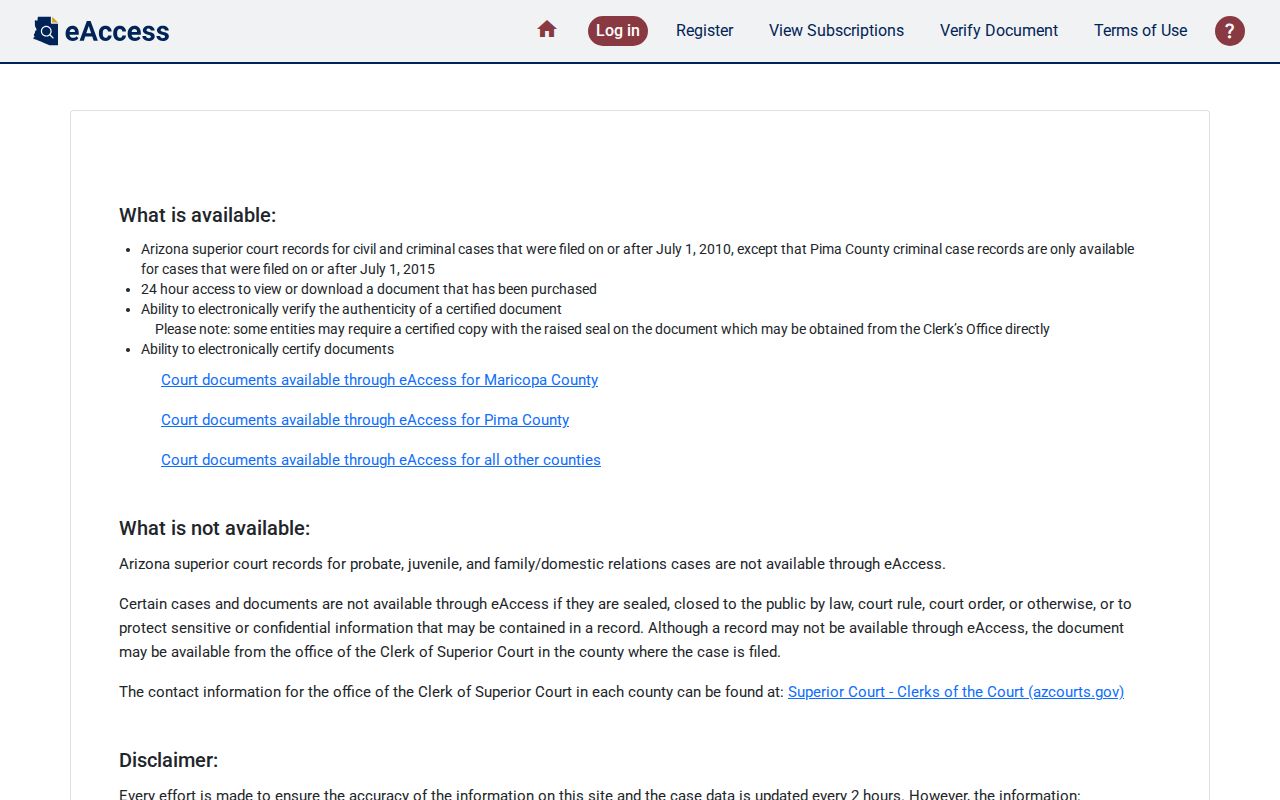
Documents carry a per-document or subscription charge, and electronic certification costs extra. Confirm the current price at purchase, since the official text posts no fixed figure.
Case Number Searches
The exact case number is the safest Greenlee County search key. Keep every prefix, digit, space, hyphen, and other mark just as Public Access displays it. Enter the exact Public Access case number from a notice, filing, receipt, or prior result.
If the number returns nothing, confirm it belongs to the court you selected. A lower-court matter and a later Superior Court appeal can carry different identifiers. Search the originating Justice or Municipal Court record separately. Search the Superior Court appeal separately too. A notice of appeal, record-transmitted entry, or transfer entry can link the two histories.
Greenlee County eAccess Search Logic
eAccess opens to Case & Party Search after login. A basic query takes a full or partial case number or party name. "All Courts" is the default selector, so switch to Greenlee Superior Court when the goal is a local document. Advanced Search adds more criteria and logical operators.
| Username and password | Required account login for eAccess. |
|---|---|
| Case & Party Search | Default search tab used for case-number or party queries. |
| Case number or party name | Required search text; basic search accepts full or partial values. |
| Select a Court | Optional dropdown; choose Greenlee Superior Court instead of All Courts. |
| Search | Button that runs the query. |
| Advanced Search | Optional control that exposes more criteria. |
| AND, OR, NOT | Combines, alternates, or excludes populated criteria; AND is the default. |
| Document selection | Checkbox or cart control for available images offered for purchase. |
Use AND to require both populated terms, OR to allow either, and NOT to exclude a term. Broad logic can pull irrelevant records. Check the court and case number before buying an image.
Case Search Results Explained
A Greenlee County result row is only the start. Open the detail view. The case history is a chronological index of filed and court-entered events. An entry saying a motion was filed does not reproduce the motion or show the request was granted.
| Case number | The unique court identifier; its punctuation and prefixes matter. |
|---|---|
| Court and case type | Identifies the custodian and whether the matter is criminal, civil, family, or another class. |
| Filing date and caption | Shows when the case began and the abbreviated names of the sides. |
| Party roles | May identify plaintiff, defendant, petitioner, respondent, and attorneys. |
| Status and judicial officer | Reports the displayed case status and assigned judge or officer. |
| Charges or claims | Gives public summary-level subject information where available. |
| Events and hearings | Lists dates and descriptions for filings, court action, and settings. |
| Disposition | Reports a recorded outcome, but not a certified judgment by itself. |
Public search results hide or block protected information. A minute entry can point you somewhere else, and a document image may call for eAccess or a direct request to the clerk.
Greenlee County Case Search Exclusions
Public Access names concrete exclusions. The limits hold even when the related court otherwise participates. Seven categories deserve a check before treating an empty Greenlee County search as conclusive.
- Sealed cases
- Orders of Protection
- Mental-health cases
- Probate cases
- Victim and witness data
- Juvenile delinquency and incorrigibility cases
- Local-ordinance charges
Some juvenile-party traffic matters may display. That does not broaden access to juvenile delinquency records. Clifton ordinance cases are the key local example: call Clifton Municipal Court, because the statewide exclusion can keep them out of the ordinary result set.
Greenlee County Empty Search Results
A blank result is not a verdict. It may just mean the search missed. The case number could carry a typo, or the party name might be spelled differently in the Greenlee County court docket. Picking the wrong court produces empty results too. Some records never reach the screen at all: older paper files, filings made after the weekly cutoff, matters excluded from Public Access, and cases held by limited-jurisdiction courts. Retype the exact case number first. Then try careful name variants. Check that the court you selected matches the one named on the citation or notice. Still nothing? Call the clerk and ask whether staff can search by number or name, whether older files sit in archives, and how inspection or copies work. Skip emailing sensitive identifiers unless the court itself asks for them.
Two Ways to Search: County and State
Greenlee County builds no docket database of its own. The free online layer is the statewide Public Access portal. The county route still exists. It runs through the clerk or administrator of the court that made the record. That direct call is slower than a quick docket search on the web. Still, it gives you official case information and catches records the portal leaves out.
| Search point | Statewide Public Access | Greenlee County court custodian |
|---|---|---|
| Coverage | Reports participation by 177 of 184 Arizona courts, with stated exclusions. | Own court's records, including older or nononline material subject to access rules. |
| Best use | Locate a case number, basic status, history, or future setting. | Confirm the official record, request inspection, or locate an omitted case. |
| Timing | Friday data generally reflects information through Wednesday. | Staff can confirm current scheduling and explain the available record. |
| Documents | Case information, not a promise of document images. | Plain or certified copies may be requested; fees and access limits apply. |
Greenlee County Case Search Custodians
Which office you call depends on the case. For Superior Court records, phone the Greenlee County Clerk of the Superior Court at 928-865-4242 or visit the counter at 223 5th Street in Clifton. The official clerk page lists the office's contact details.
Justice Court Precinct 1 answers at 928-865-4312. Precinct 2 uses 928-359-2536. Clifton Municipal Court uses 928-865-4156, and the county court-record contacts page helps you match the right office. When you call, give the case number and say what you want: case history, the next setting, document inspection, a plain copy, or a certified copy. Remember that eAccess covers only eligible Superior Court civil and criminal documents filed after 2010. One more thing. Limited-jurisdiction records stay with the Greenlee County court that created them, not automatically with the Superior Court clerk.
Which Cases Stay Restricted
Arizona Supreme Court Rule 123 governs access to judicial records. It draws lines between case records, administrative records, remote access, and confidential material. Walking into the courthouse can show you more than a remote screen does. Even so, you gain no right to protected content just because a public case exists.
Sealing is not the same as redaction. A sealed Greenlee County case can vanish from ordinary search. A redacted record stays public. Sensitive details are simply masked. eAccess also suppresses images restricted by law, rule, or court order. If a clerk denies access, ask for the legal basis. Then ask for the Rule 123 review route.
Greenlee County Payment Is Not Search
Never mistake a payment vendor for a docket search. The Greenlee Superior Court payment portal collects payment identifiers only, and it expressly leaves out Justice Court Precincts 1 and 2.
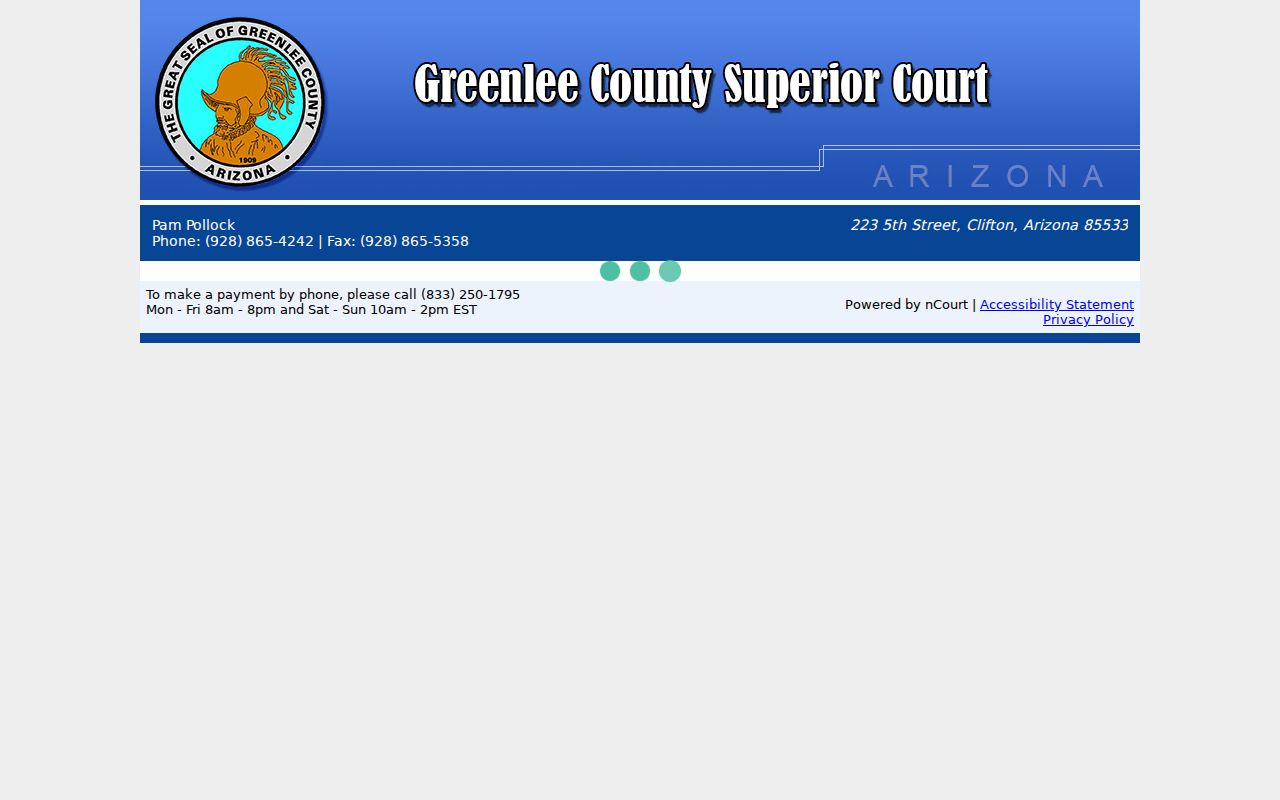
That screen is not a lookup tool. It may ask for a case number if available, date of birth, and full name. That does not make it a public record lookup. Use Public Access for case information, eAccess for eligible Superior Court images, and the correct court clerk for the official record. Never pay just to test whether a case exists.